

AI automation agency for the work your team repeats
In many teams, hours go every week into copying orders, preparing invoices or rebuilding the same report. As an AI automation agency we first find where that time goes in a two-week workflow scan, and then we automate the tasks that pay back first in n8n, Make or custom code.
Last updated
How AI automation works at Hault
AI automation hands repetitive work, such as passing orders between systems, preparing invoices or building reports, to software that works with your own data. AI comes in where the input is less tidy, like an email or a question about your figures. We build in n8n, Make or custom code, and a person approves what goes out.
Who AI automation is for
This is for founders and operations leads whose teams spend hours every week copying data between systems or building the same report by hand. It fits best when the work follows clear rules and the data already sits in tools such as Shopify or your accounting software.
What you get from AI automation
The scan comes first and decides which automations we build and in what order. After that you get working connections between your systems, AI on your own data where it helps, and a handover your team can follow.
- Two-week workflow scan
- We map how work moves through your team and tools, and each possible automation gets a payback estimate.
- n8n, Make or custom
- Each workflow goes where it fits best, depending on volume, data and who will look after it.
- AI on your data
- AI connected to your own business data, such as your accounting software, with permissions per user and an activity log.
- Orders and documents
- Orders, delivery notes and draft invoices move from one system to the next without anyone typing them in again.
- Dashboards and reporting
- Live reporting from Search Console, GA4 and Merchant Center, or from your own systems, replaces the report someone builds by hand.
- Human approval built in
- AI assistants prepare the work, and nothing goes live without a person's approval.
- Handover
- Documentation and a handover, so your team knows what each automation does and when it runs.
Automations in our case studies
These automations run in the daily work of three clients, from delivery notes and monthly invoicing at Schiphol to order forwarding for a print company and weekly deliveries to training venues across Europe. In each case, order and delivery details now move from one system to the next without anyone retyping them.
For Expert Air Services we built digital delivery notes that the loader and the crew sign on the loader's phone.
Expert Air Services · In production
The digital delivery notes have been in production since 31 August 2026, and invoicing has run automatically since 14 September 2026.
Source: the Expert Air Services delivery note system, which creates one draft invoice per customer each month.
Birun Print & Sign
- Working together since
- 2023
- Deliveries
- Every week, to training venues across Europe
- What we deliver
- Tablets and printed materials
- Own app for orders and proof of delivery
- Since October 2026
Glomacs and AZTech

How an automation project runs
The scan is our kick-off and audit. The blueprint then sets which workflows we build first, in which tool and with which data. We run one workflow on real data, connect the systems and hand it over before we start on the next one.
- Kick-off and audit
- Blueprint
- Prototype
- Build and launch
- Automate and improveOngoing
The workflow scan takes two weeks, and a full automation project usually takes 6 to 10 weeks.
Which tasks are worth automating?
Tasks that follow clear rules and come back every week are the ones to automate first, such as passing orders between systems, preparing invoices, matching bank payments or building the Monday report. The data for them already exists somewhere, so the work is mostly connecting systems that don't talk to each other yet.
A good sign is a task that nobody enjoys and everybody does the same way. Copying order details from the online store into the accounting software is a typical one, and so is putting a report together from several exports.
Work that needs judgement every time, or that changes from week to week, is a poor fit. If we come across it in the scan, we'll say so instead of forcing it into a workflow.
What happens in the two-week workflow scan
During the scan we follow a few real orders, invoices or requests from the first step to the last and talk to the people who handle them. That shows where the time goes better than a process chart does, including the steps a chart leaves out.
Each task we find gets a payback estimate, which sets the hours it takes today against the cost of building and running the automation. We show you the numbers behind each estimate, so you can check them against your own. If a task doesn't earn back what it costs, the estimate will show it.
The scan doubles as the kick-off and audit in our usual way of working. The blueprint that follows sets which workflows we build, in which tool and in what order.
Do you need AI automation, or is a workflow enough?
Often a plain workflow is enough. Orders, invoices, bank matching and reports follow rules, so n8n, Make or custom code can handle them without AI. AI earns its place where the input is less tidy, such as an email, a free-text request or a question about your own figures.
When we do use AI, it works on your own data and within limits you set. A secure AI connection to accounting software such as WeFact, for example, works with invoices, quotes, customer records and matching bank payments, with permissions per user and an activity log of every action. The AI prepares the draft, and someone on your team decides whether it goes out.
The same goes for live reporting from Search Console, GA4 and Merchant Center, and for AI assistants that work across several Shopify stores, inboxes or ad accounts. They gather the numbers and write the first draft, and nothing goes live without a person's approval.
n8n, Make or custom code
The choice depends on volume, data and who will look after the flows. Make suits a team that wants to see and adjust its flows in the browser, n8n suits flows you'd rather keep on your own server, and custom code fits high volumes or logic that tools handle badly.
| Option | Fits when | Keep in mind |
|---|---|---|
| n8n | You want flows on your own server, with more control over data and running costs | Someone needs to look after the server and its updates |
| Make | Your team wants to see and adjust flows in a visual editor in the browser | Costs rise as the flows run more often |
| Custom code | Volumes are high, speed matters or the logic is too specific for a tool | Changes need a developer |
A project often ends up with a mix. The blueprint notes why each workflow sits where it does, so the next person who opens it can follow the logic without asking us.
Automations that already run for clients
Expert Air Services at Schiphol has used our digital delivery notes in production since 31 August 2026, and its invoicing has run automatically since 14 September 2026. The loader and the crew both sign on the loader's phone, the note locks with a PDF, and at the end of each month one draft invoice per client goes into the accounting software.
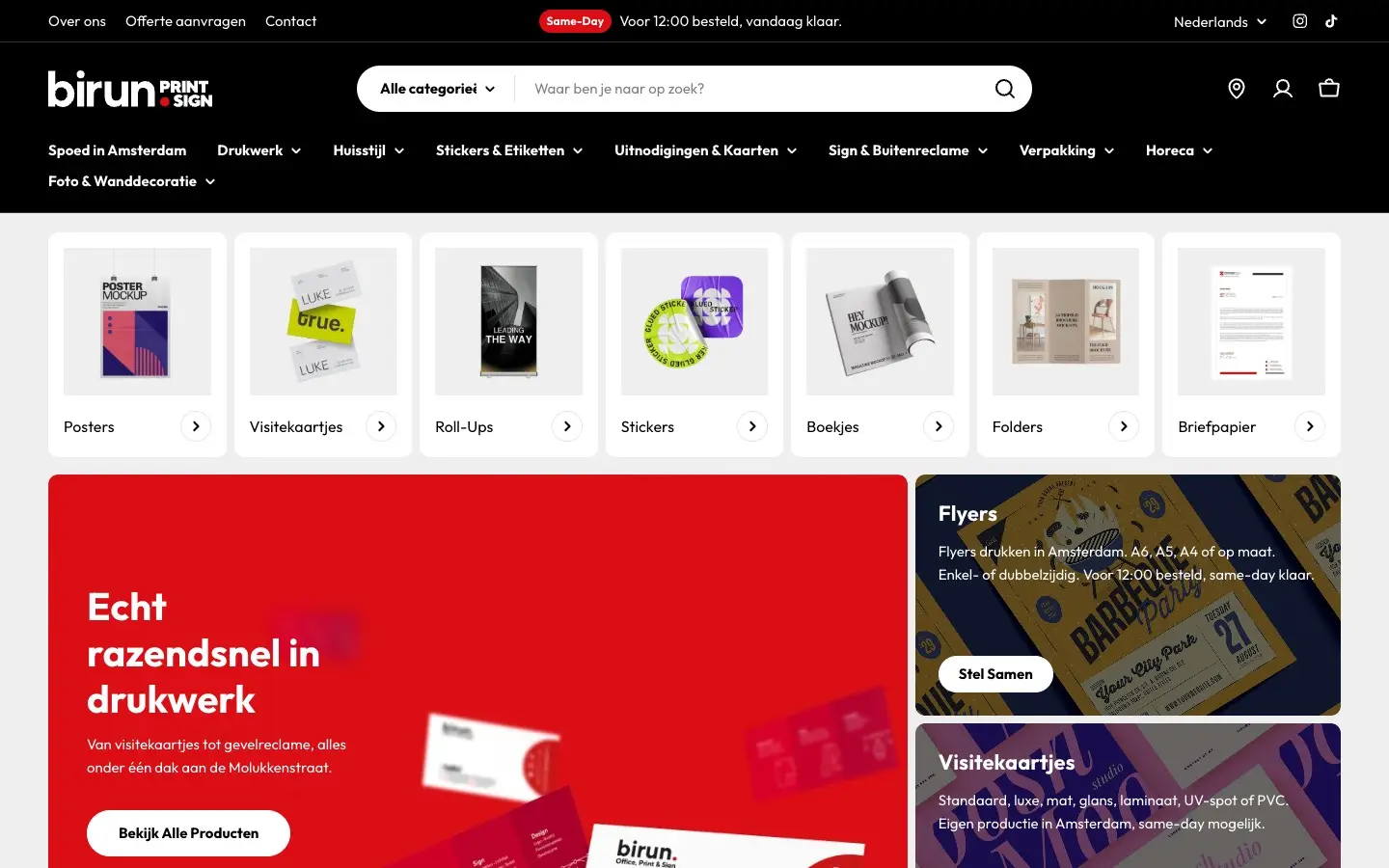
Birun Print & Sign's Shopify store has product configurators with live pricing and file upload, and since it went live on 28 August 2026 every order has gone to the print partner without anyone forwarding it by hand. For Glomacs and AZTech, two international training organisations, the weekly deliveries across Europe have run from our own order and proof-of-delivery app since October 2026.
What AI automation costs
What it costs depends on how many workflows and systems we connect, the tool (n8n, Make or custom code) and whether AI is part of it. Every project gets its own proposal. After a 30-minute intro call, you'll receive a proposal with the scope, timeline and price.
Frequently asked questions
What does an AI automation agency do?
It looks at where your team loses time on repeat work and hands that work to software. Most of it is plain workflow automation, such as moving an order from your online store into your accounting software. AI is added where the input is messy, like an email or a free-text request. At the end you get documentation and a handover, so your own team knows what runs where.
Will you tell us when automation isn't worth it?
Yes. In the scan, every task gets an estimate that sets the cost of building and running the automation against the time it takes your team today. A task that won't earn that back shows up as such, and we'll say so. Some work is better left as it is. You can also keep the scan as a plan and decide later what to build.
Should we use n8n or Make?
It depends on who will look after the flows and where your data should live. n8n can run on your own server, which gives you more control over data and suits heavier workflows. Make works in the browser with a visual editor, so it's quick to set up and easy for a team to follow. Some projects use both, and for high volumes or very specific logic we write custom code.
Is it safe to connect AI to our accounting software?
It can be, when the connection is built with limits. Our AI connection to accounting software such as WeFact works with invoices, quotes, customer records and matching bank payments. Every user only gets the permissions they need, and every action is written to an activity log. The AI prepares work for a person to approve and doesn't send anything on its own.
What do we get from the two-week workflow scan?
You get a picture of how work really moves through your team and tools, based on real orders, invoices or requests that we follow from start to finish. On top of that comes a list of tasks worth automating, each with an estimate of the time it saves against what it costs to build and run. The blueprint for the build starts from that list.
How much does AI automation cost?
The cost depends on how many workflows you automate, which systems they connect and whether they run in n8n, Make or custom code. Running costs for the tools come on top of the build, and the scan puts both side by side for every task. Every project gets its own proposal. After a 30-minute intro call, you'll receive a proposal with the scope, timeline and price.